
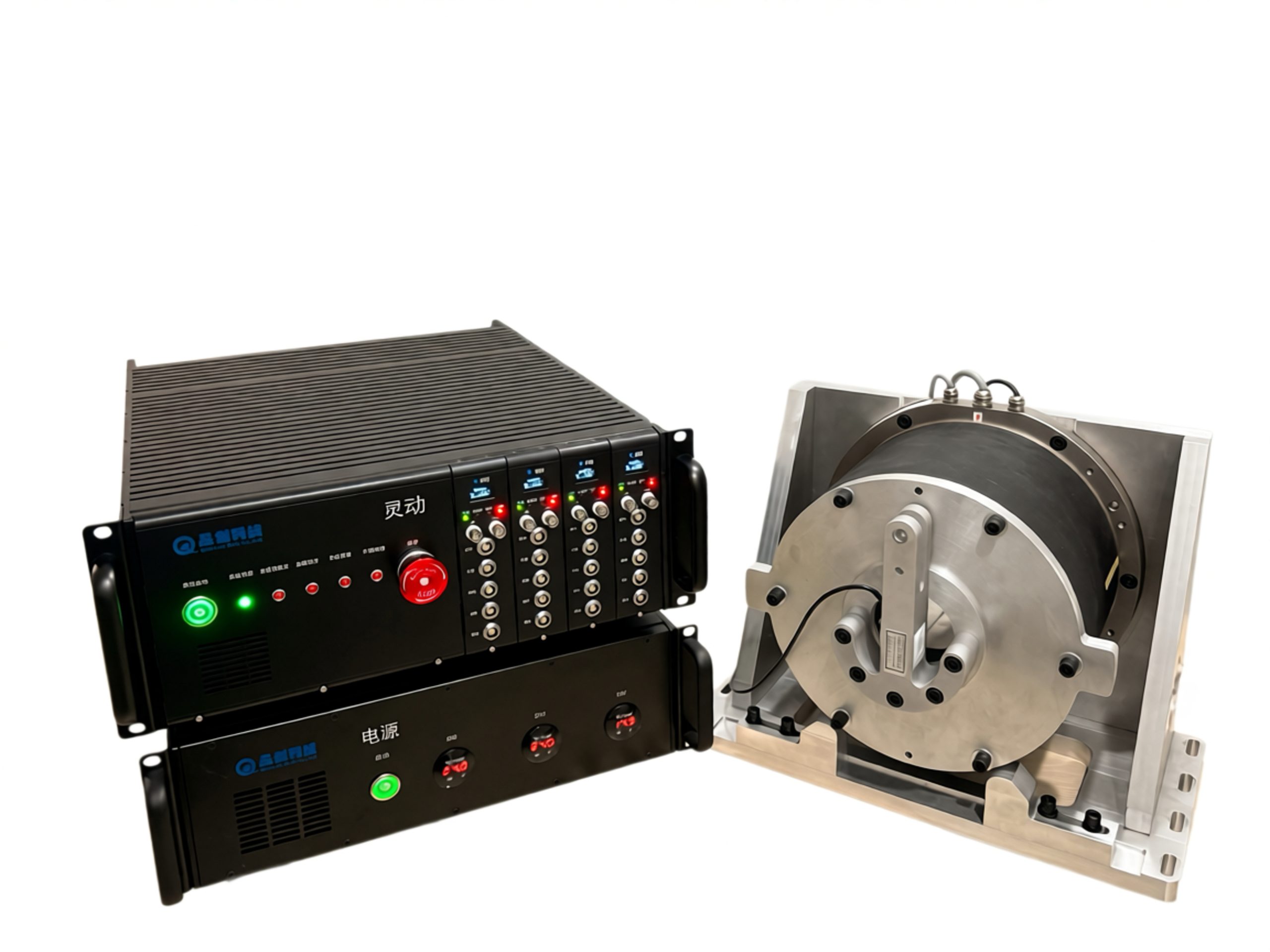







Lingdong Loading Software
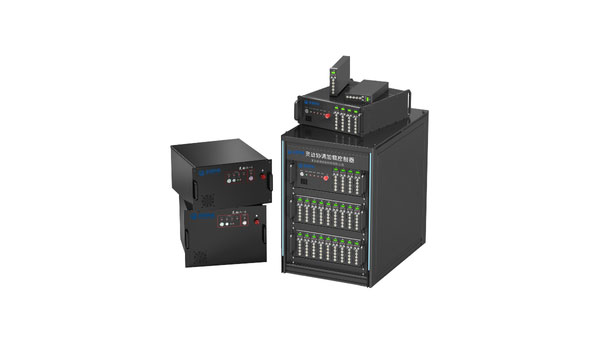
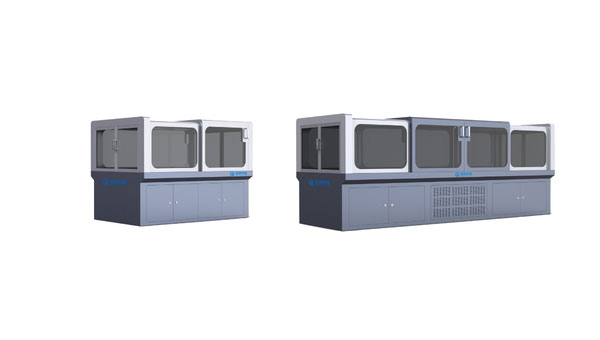
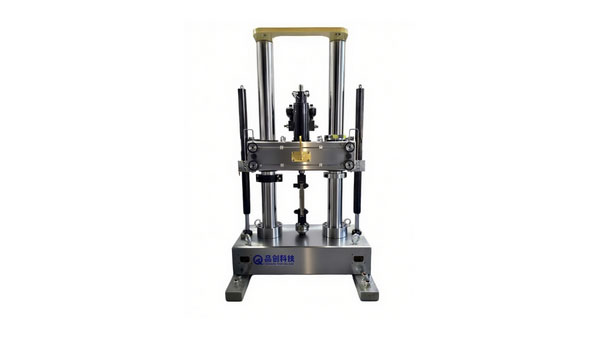
The Lingdong Loading Software is the host software for the Qtcreate Lingdong coordinated loading controller. It provides comprehensive monitoring and management of the servo loading control system with an engineering-oriented, configuration-based architecture. By operating from configuration files, the software enables rapid deployment and adaptation to different test projects.
Dynamic Loading Software Workflow
- Create project;
- Configure loading channels;
- System setup;
- Calibrate controllers and sensors;
- Import / define load spectra;
- Set safety parameters;
- Import / define load spectra;
- Run the test.
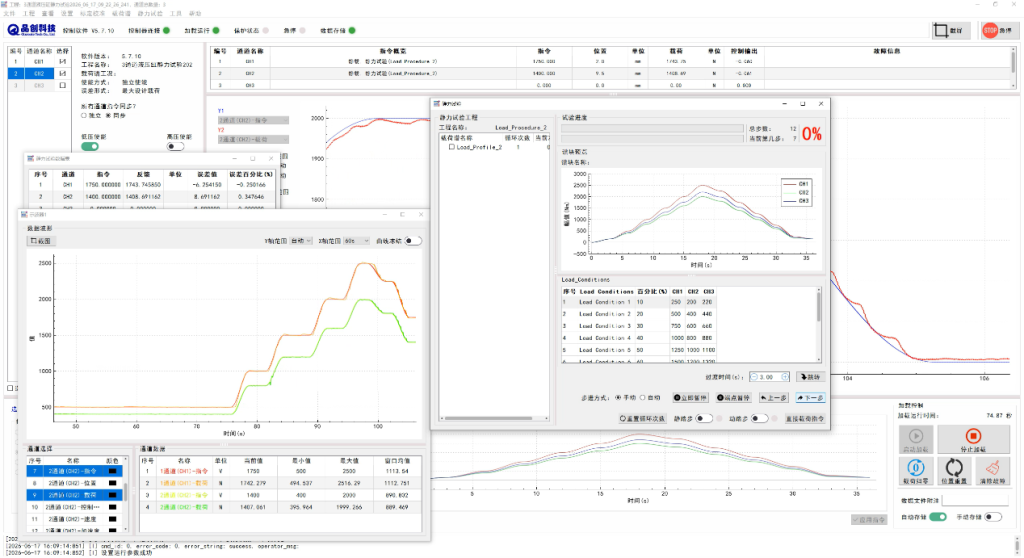
Test Resource Configuration
The test resource configuration interface is mainly used for resource configuration and management of actuators, sensors and controllers. It adopts drag-and-drop operation to configure test resources, select actuators, sensors and control channels in use, and edit and manage load spectra.
Sensor Calibration
The system supports independent sensor calibration to calibrate coefficients of all sensors in the system. It uses methods such as the least squares method to perform multi-point calibration calculation against standard signals and store calibration coefficients. It enables sensor data calibration and update of sensor data settings.
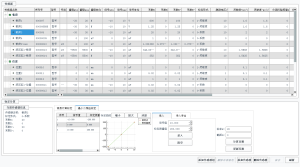
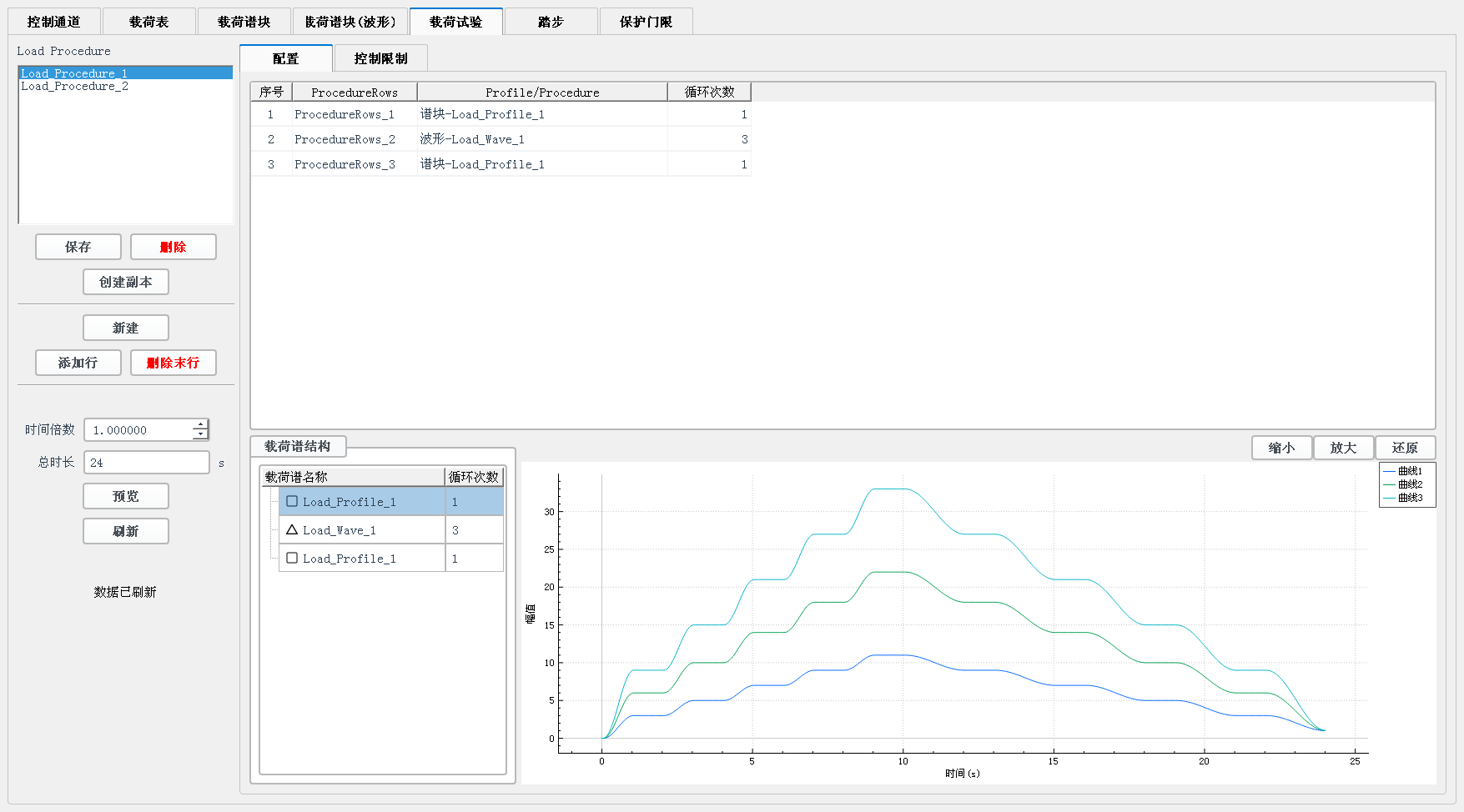
Load Spectrum Editing
The test spectrum editing function is available. Users can edit various test spectra meeting composite requirements according to test needs, and the program controls the equipment to complete tests automatically. The test spectrum editor can generate various complex test spectra to realize automatic control of test procedures; it is especially suitable for challenging and sophisticated tests.
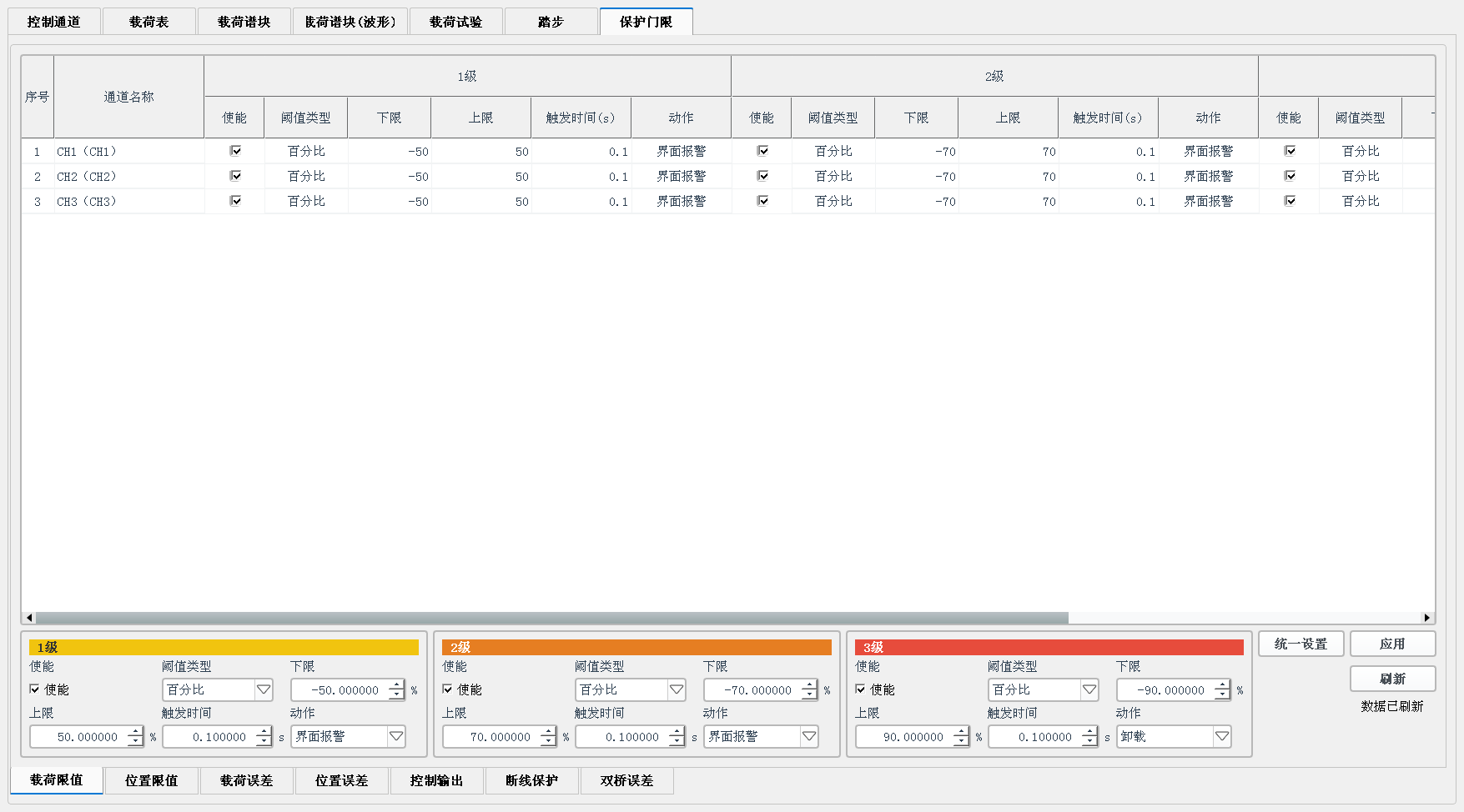
Safety Configuration
The test system is equipped with comprehensive protection functions: over-limit protection of test force and displacement, specimen fracture protection, protection against test parameter exceeding set values, etc. Each loading channel has multiple protection functions, such as limit load protection, following error limit protection, displacement limit protection, dual-bridge sensor difference limit protection, power failure protection, etc. All threshold values can be set via the upper computer software.
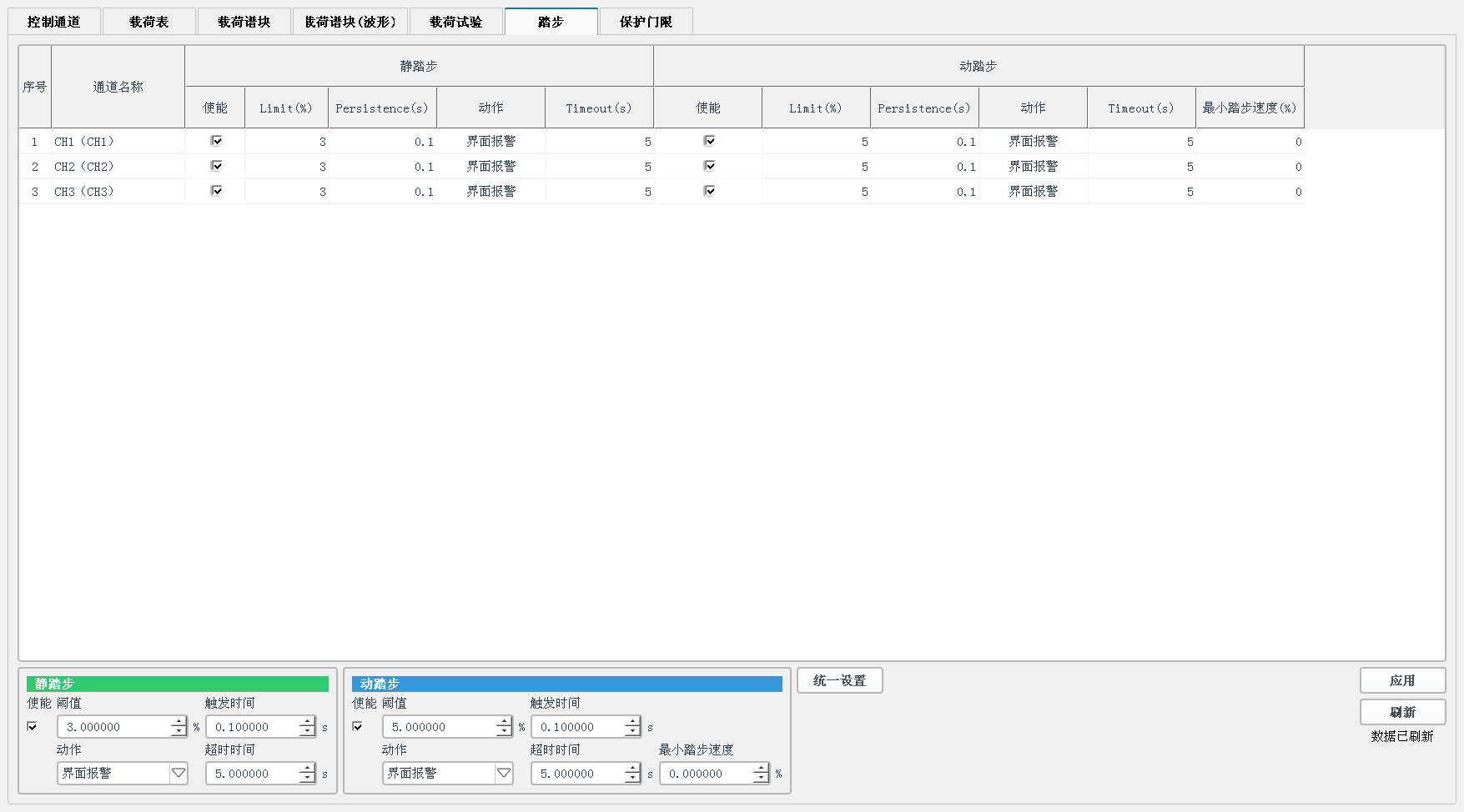
Step Configuration
Static step and dynamic step parameters of each channel can be configured, including trigger time, timeout period, minimum stepping speed, etc.
Other Functions of Loading Software
-
External Data Cross-linking Interface: The Lingdong loading software supports external data cross-linking via reflective memory, UDP communication and BNC analog input and output. The software also supports external remote control through UDP communication.
-
Real-time On-line Frequency Response Analysis: The software supports on-line frequency response analysis during loading. In the sine loading process, click the “Frequency Response Analysis” button, and the software will automatically calculate frequency characteristics and display analysis results in the status notification bar.
-
Error Band Display: Supports error band display according to the set percentage.
-
Load Spectrum Working Conditions: The system supports import and export of load spectrum working conditions, enabling batch saving and application of load spectra for multiple channels. It facilitates one-click batch switching and setting of load spectra when switching between different test working conditions. A usage percentage can be set during loading.
-
Coordinated Loading Automatic Compensation: Includes dynamic/static stepping, peak and valley value compensation, phase compensation, etc.
-
Gain Scheduling: The closed-loop gain can be automatically switched and adjusted according to different test states (position, speed, etc.) to deliver optimal control performance.
-
Segmented Data Storage: Supports segmented data storage; data will be saved into separate files based on the configured time in minutes and file size.
-
Sensor Health Monitoring: The software allows viewing sensor health status, including sensor excitation status, wire break detection, load bypass monitoring, etc. Protection will be triggered once an abnormality occurs.
-
Reflective Memory Protocol Configuration: Used to configure the reflective memory cross-linking protocol with external systems (simulation systems, measurement and control systems, etc.). Users can define address offsets, data types and formats for command and feedback data. Drag-and-drop addition, sorting, preview and data testing are supported.
Static & Fatigue Loading Software Package
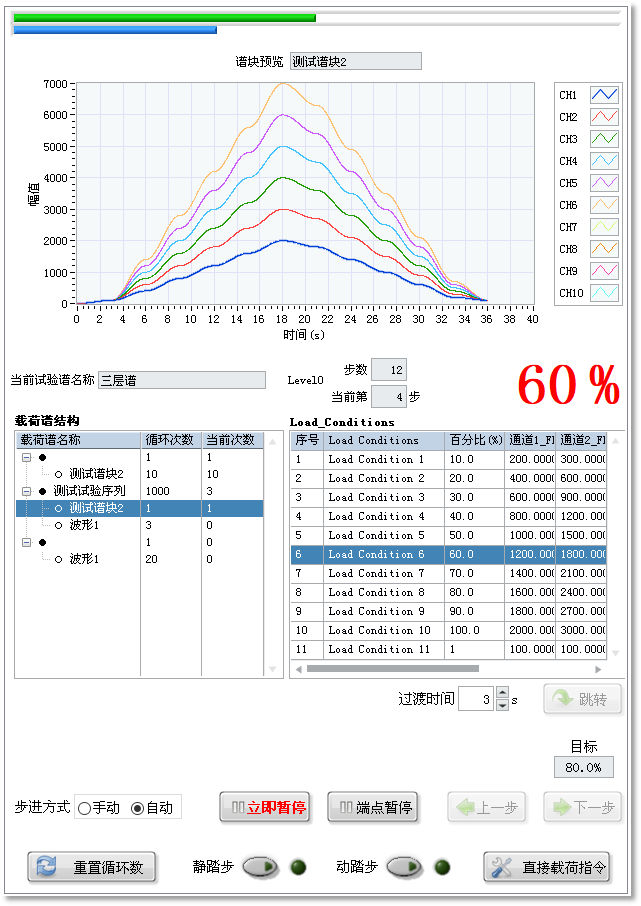
The system supports multi-channel coordinated static, fatigue, and durability loading applications. The static and fatigue test interface includes channel data tables, floating trend curve windows, waveform charts, load spectrum preview, bar charts, process control panels, and progress bars.
The configuration interface enables rapid configuration of all loading channels in a spreadsheet-style format and supports configuration preview functions.
Data Post-Processing Software Package
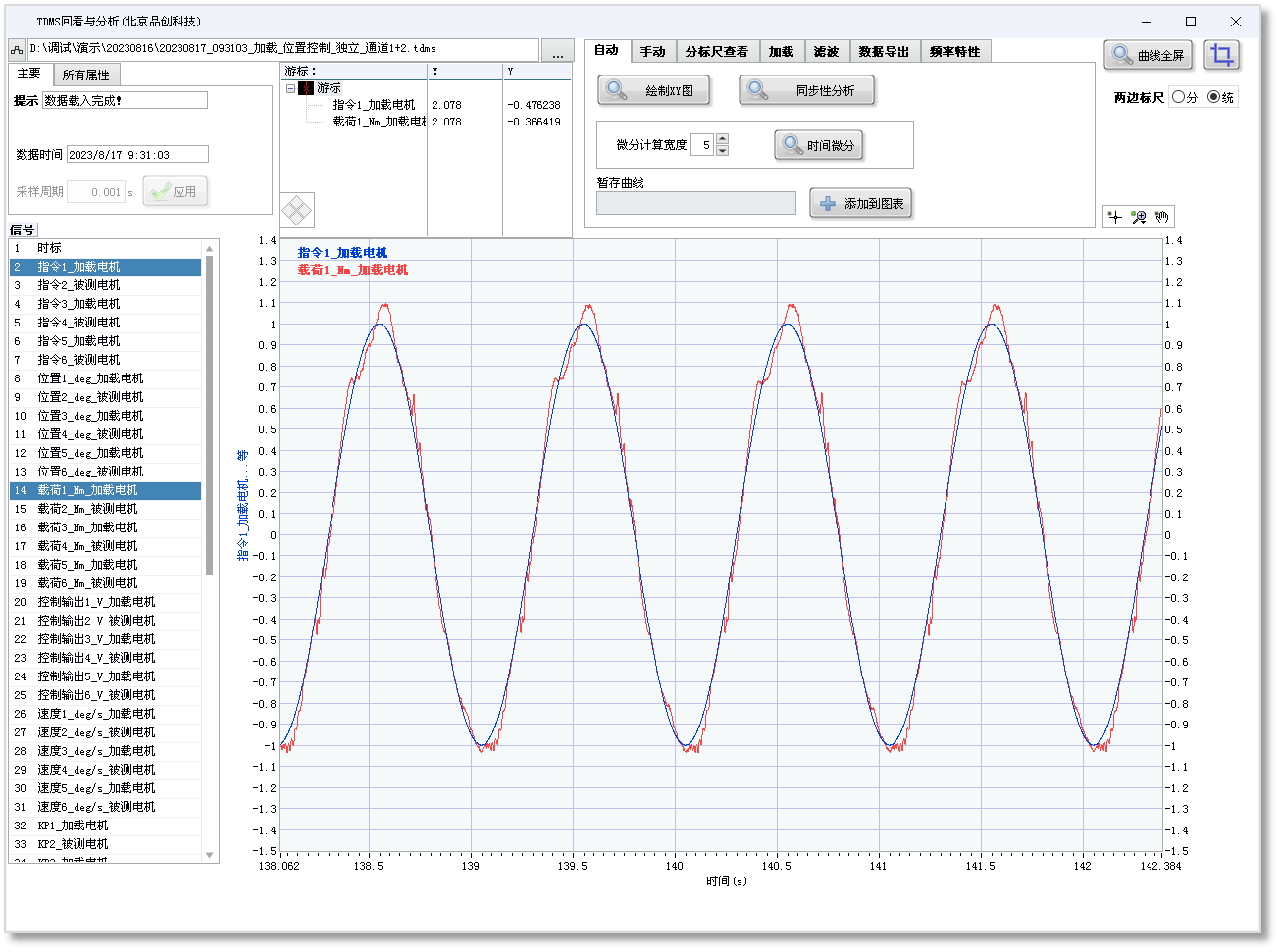
The general-purpose test data post-processing software provides playback, calculation, and analysis functions for test data in TDMS, Excel, TXT, and other file formats.
The software features a user-friendly interface with a well-organized layout and convenient operation. It offers strong compatibility with data files generated by various test systems, including the Qtcreate Lingdong loading system, enabling test engineers to efficiently review and analyze test data.
-
Versatility: Supports playback of mainstream test data files.
-
Drag-and-Drop Opening: Files can be opened directly by mouse drag-and-drop for quick and efficient operation.
-
Rich Functions: Meets most scenarios for test data playback and analysis.
-
Adaptive Interface Size: The interface window automatically adjusts according to screen resolution.
-
Multi-instance Operation: The software supports multi-instance operation to facilitate comparative analysis by opening multiple test data files simultaneously.
-
Supports dynamic analysis such as step response and frequency response.
-
Data Export: Data can be exported to common formats including TDMS, Excel and TXT.